OpenHaptics: Add Touch navigation and haptics to your applications
Create a compelling user experience for your customers. OpenHaptics® enables users to go beyond working with a 2D mouse in your applications to interacting with and manipulating objects in a realistic, intuitive way. Allow users to feel objects in a virtual 3D scene, making skills easier to learn. Give your customers true 3D navigation and direct interaction in a way that makes them more productive and adds a “wow” factor to your application.

The OpenHaptics Developer Edition enables software developers to add haptics and true 3D navigation to a broad range of applications including 3D design and modeling, medical, games, entertainment, visualization, and simulation. This haptics toolkit is patterned after the OpenGL® API, making it familiar to graphics programmers and facilitating integration with OpenGL applications. Using the OpenHaptics toolkit, developers can leverage existing OpenGL code for specifying geometry and supplement it with OpenHaptics commands to simulate haptic material properties such as friction and stiffness.
OpenHaptics Features
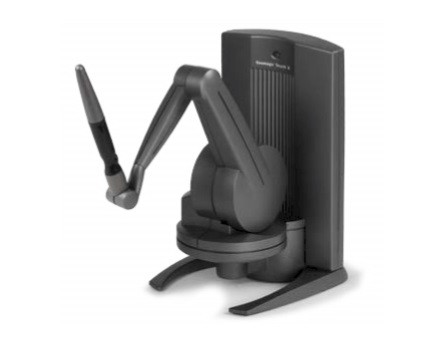
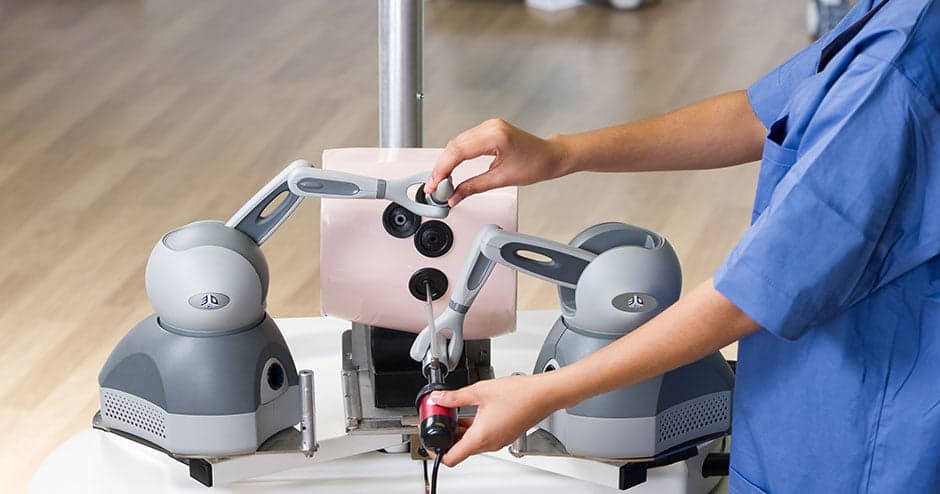
The extensible architecture enables developers to add functionality to support new types of shapes. It is also designed to integrate third-party libraries such as physics/dynamics and collision-detection engines as found in Unity or Unreal Engine. The OpenHaptics toolkit supports the range of 3D Systems haptic devices, from the low-cost Touch™ to the Touch X™ haptic device to the larger Phantom® Premium™ haptic devices. The OpenHaptics toolkit supports Microsoft® Windows® 10 and 11 and Linux®.
- OpenHaptics is available for Microsoft Windows 64-bit 10 and 11, as well as for Linux.
- Linux support, including support for 7 DOF option, pinch grips, and customized grips. TGZ packages are provided for easy installation across various Linux distros. Use OpenHaptics to develop Linux applications that require 7DOF positional sensing.
- Utilize the interchangeable snap-on end effectors or design your own custom grip for 6DOF Phantoms.
- Adjust torque parameters on 6DOF devices: Make individual adjustments to the torque parameters for pitch, roll, and yaw on the gimbal.
- New demos and source code examples: Jump-start your application development with new demos and examples that show you how to: use haptics to place a medical tool in the correct position; define your own force model; and set different material properties depending on depth of penetration.
- HapticsDirect plug-ins available for Unity and Unreal gaming engines.
Haptic Arms
Touch X super high accuracy haptic arm
